

Private preview: test your AI chatbot before customers see it
Private preview is a test chat in your dashboard where you talk to your assistant exactly as a customer would, before any customer can. You rate each answer, see which topics your knowledge still misses, and go live only when the answers read right.
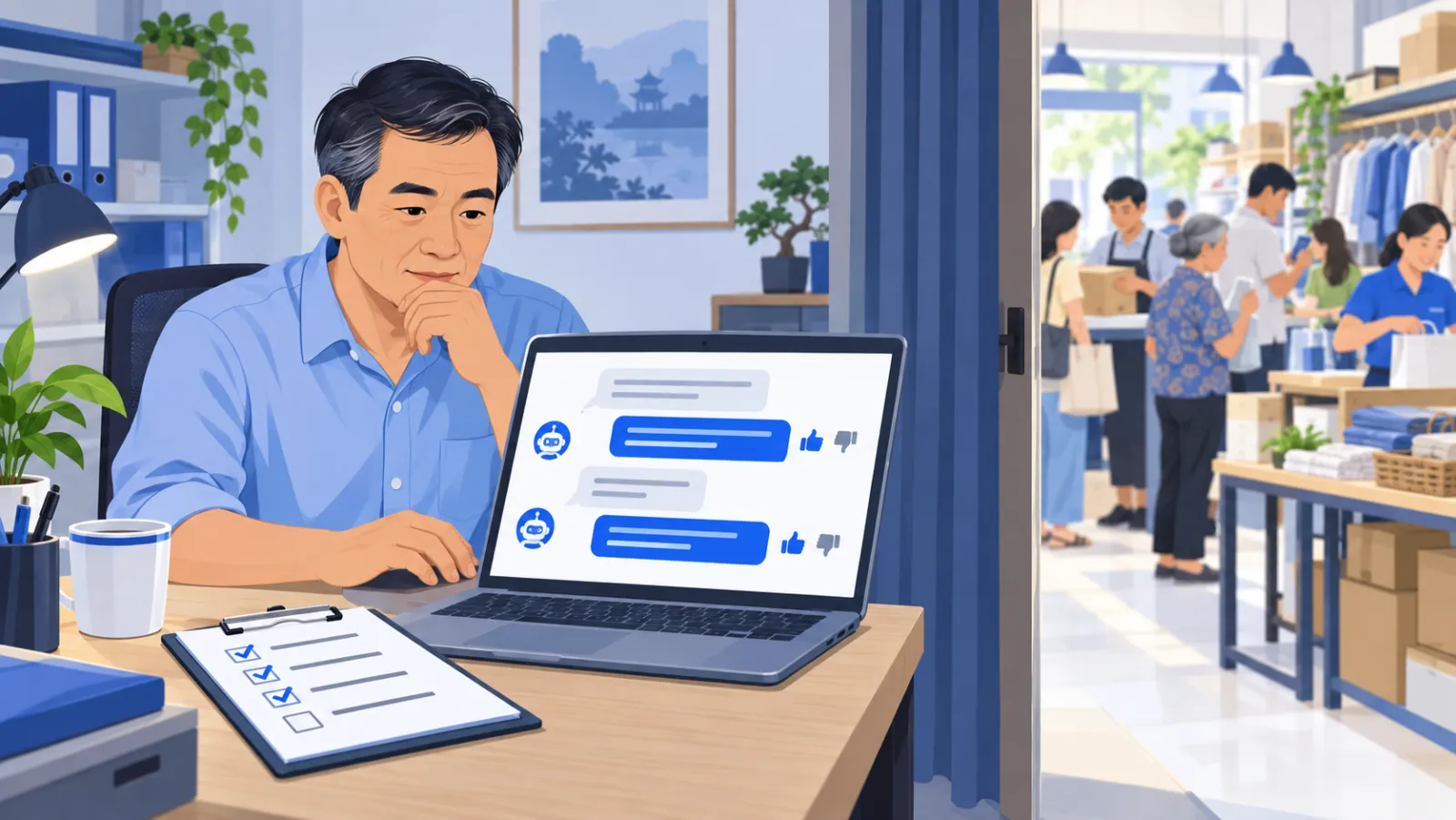
How does the preview work?
- Add your knowledge: your website, files or written answers. You can start testing while the website is still importing.
- Open the test chat and ask real questions from your inbox, such as "Do you ship to Da Nang?" or "Is the black one in size M in stock?"
- Rate each answer with a thumbs up or thumbs down.
- Run the coverage check to see which topics your knowledge covers and which are missing.
- Fix what is wrong, ask again, then connect a channel when you are happy.
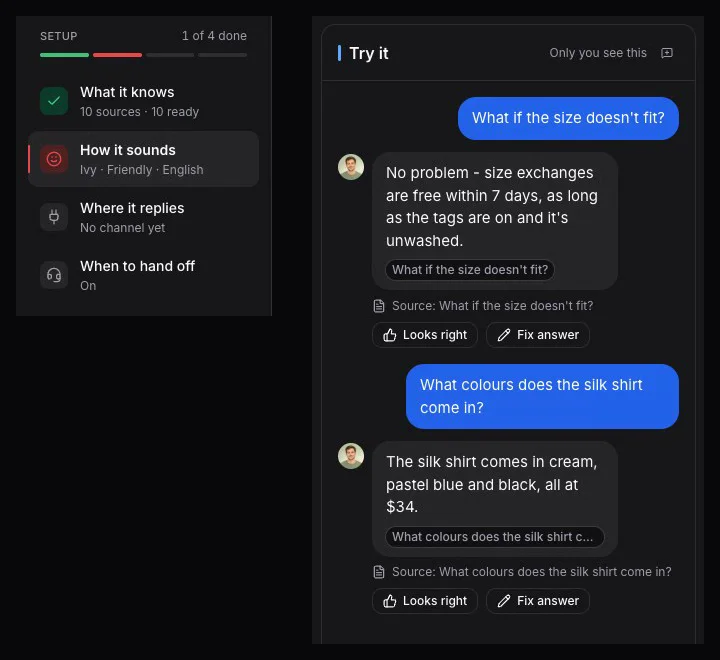
What should you test?
| Test | Why it matters |
|---|---|
| Your ten most common questions | They make up most of your inbox |
| Price and stock of a few products | The assistant should quote them from your catalog, not guess |
| Shipping, returns and warranty | Money and time terms have to be exact |
| A question you never answered anywhere | The assistant should say it is not sure and offer your team |
| A message without accents or with typos | Customers rarely type carefully on a phone |
| A question in English | The reply should come back in English |
Shape how the assistant sounds
Pick a tone - friendly, professional or concise - and give the assistant a name, then ask the same question again to hear the difference. The business profile advisor also suggests things the assistant should never say and when it should hand off; you confirm each one.
What changes after you go live?
The preview stays available, so you can keep testing at any time. New knowledge reaches customers as soon as it is processed, so check an important change in the preview right after you add it. Website policy changes to money or time terms, such as refunds, fees or delivery days, wait for your approval, and every version is kept so you can restore an earlier one.
From test to live
When the answers look right, connect your website widget, Messenger, Zalo OA, Shopee or TikTok Shop; multi-channel explains each one. The getting started guide walks through the whole setup, and store knowledge covers every source you can add.
Frequently asked questions
Can customers see my test chats?
No. Test chats stay in your dashboard and never go out on a channel.
Do my changes wait for approval once I am live?
Not all of them. New knowledge reaches customers as soon as it is processed, so check an important change in the preview right after you add it. Website policy changes to money or time terms, such as refunds, fees or delivery days, do wait for your approval.
What does the coverage check show?
It shows which topics your knowledge already covers and which are still missing, so you know what to add before customers start asking.
Can I test while my website is still importing?
Yes. You can test with the pages already imported while the rest of the site keeps importing.