

Multi-channel: one AI assistant for your website, Messenger, Zalo, Shopee and TikTok Shop
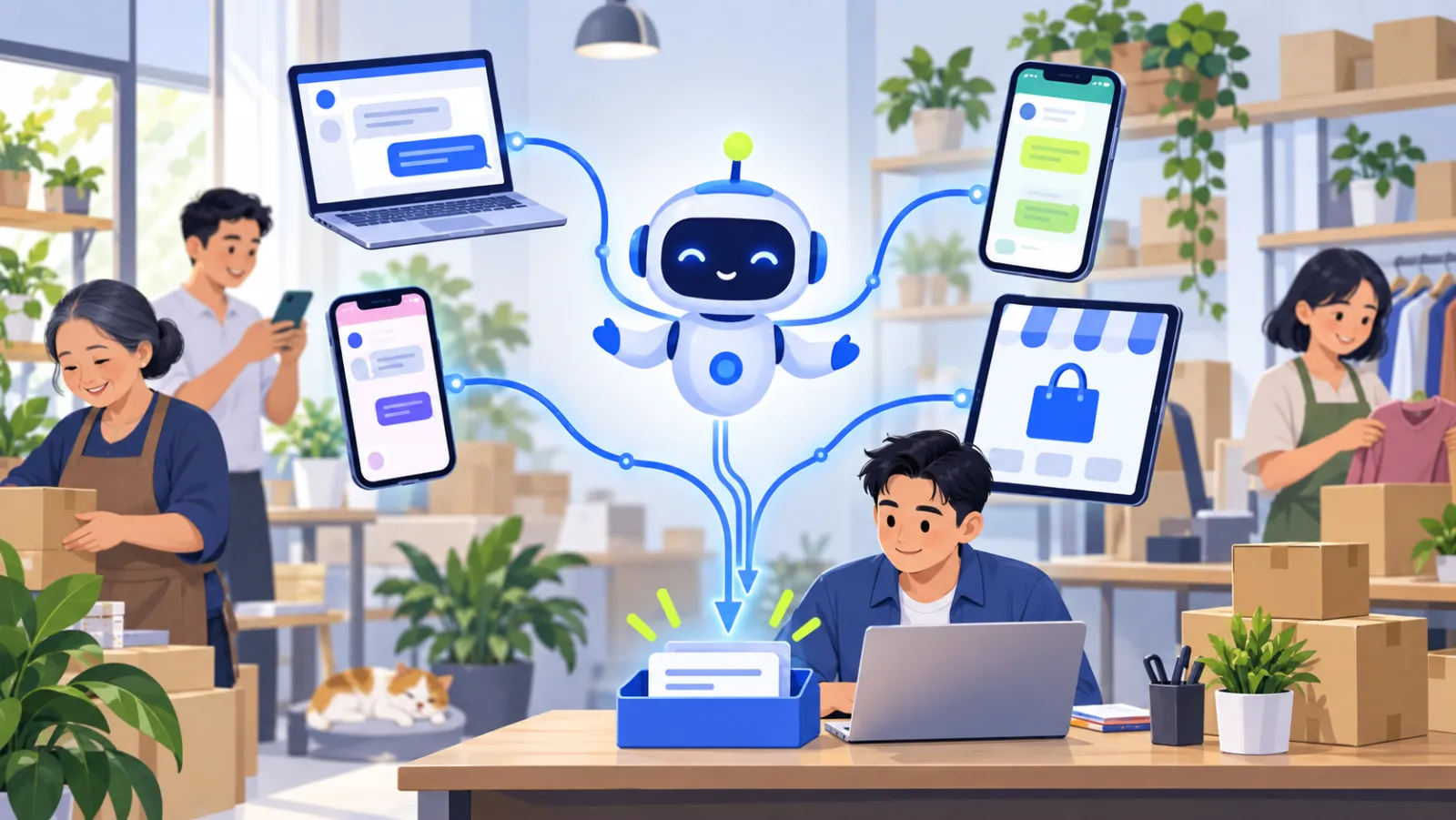
Multi-channel means one assistant, with one set of knowledge, answering customers wherever they message you: your website, Facebook Messenger, Zalo OA, Shopee and TikTok Shop. Every conversation lands in one shared inbox, so your team never has to jump between apps to take over a chat.
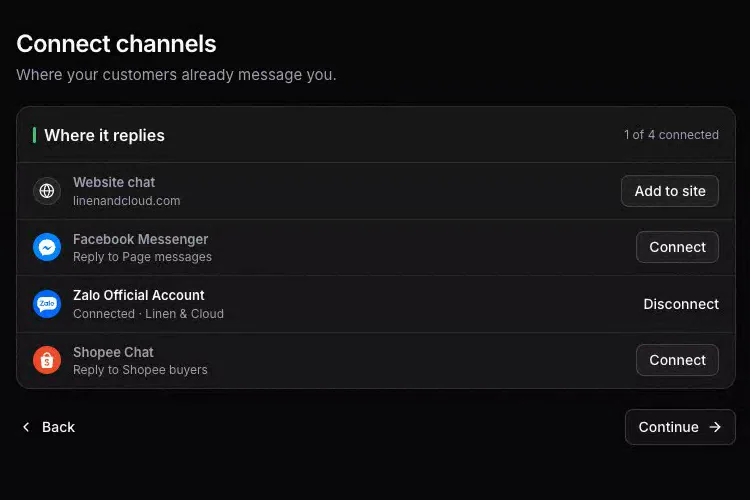
Which channels can you connect?
| Channel | What the assistant answers | Not covered |
|---|---|---|
| Website chat widget | Chats on every page where you paste the install code | - |
| Facebook Messenger | Messages in your Facebook Page inbox | Post and livestream comments, personal accounts |
| Zalo Official Account | Messages to a verified OA on Zalo's Tăng trưởng+ plan | Personal Zalo accounts |
| Shopee chat | Buyer chats in your Shopee shop | - |
| TikTok Shop chat | Buyer chats, plus order status after the customer confirms the last 4 digits of their phone | Livestream comments |
| Public chat API | Any system you build, with a workspace API key | - |
Instagram, Lazada, WhatsApp, Viber and Telegram are not supported today. No plan limits how many channels you connect.
Make the website widget your own
- A greeting, your accent colour and a left or right position on the page.
- Business hours and an away message for when your team is offline; the assistant keeps answering either way.
- An optional pre-chat form that asks for the visitor's name and email.
- A satisfaction rating at the end of each chat.
One knowledge base for every channel
You add your knowledge once and every channel uses it, so a customer gets the same answer on Shopee as on your website. Connecting Shopee or TikTok Shop also syncs their products, prices and stock into the same catalog; store knowledge has the details.
One inbox for your team
Chats from all channels arrive in a single shared inbox with live updates. Your team can assign chats, tag them, leave internal notes, snooze them, act on many at once and reply with saved replies. Phone numbers and emails customers share are picked up into contacts, which you can merge, tag and annotate, with each customer's history. When the assistant hands a chat off, the alert tells you which chat is waiting, whatever channel it came from; see honest handoff.
How do you connect a channel?
- Open Channels in the dashboard.
- For the website, create an install code and paste it just before
</body>on every page of your site. - For Messenger, Zalo OA, Shopee or TikTok Shop, sign in to that platform and approve access for your Page, OA or shop.
- Send a test message on the channel and check the reply in your inbox.
The integrations page lists every channel and store connector.
Frequently asked questions
Is there a limit on how many channels I connect?
No. No plan limits the number of channels you connect.
Does the assistant reply to Facebook comments?
No. On Facebook the assistant answers messages in your Page inbox, not comments under posts or during livestreams.
Can I connect a personal Zalo account?
No. Zalo support means a Zalo Official Account, and the connection needs a verified OA on Zalo's Tăng trưởng+ plan.
What about Instagram, WhatsApp or Lazada?
They are not supported today. You can connect another system of your own through the public chat API with a workspace API key.