Chatbot for spas and beauty salons: explain services and take booking requests 24/7
By The AI Chatbot team3 min read

A chatbot for a spa or beauty salon is an AI assistant that answers questions about services, prices and opening hours, and takes booking requests at any time. It checks free slots and records the request, while the spa makes the final confirmation, so the schedule never double-books.
This article covers how a chatbot lightens the front desk, how to set up bookings, and how to prepare service knowledge so it advises correctly.
Why does a spa need a chatbot?
Most spa customers message in the evening, at weekends or at lunchtime, exactly when the front desk is busy or has gone home. The most common questions are very similar:
- "How much is a head spa treatment?"
- "How long does a facial take?"
- "Any openings on Saturday evening?"
- "Is there parking?"
Without a quick reply, customers often message another spa. A chatbot answers straight away and keeps customers engaged until they book.
How does the chatbot take a booking request?
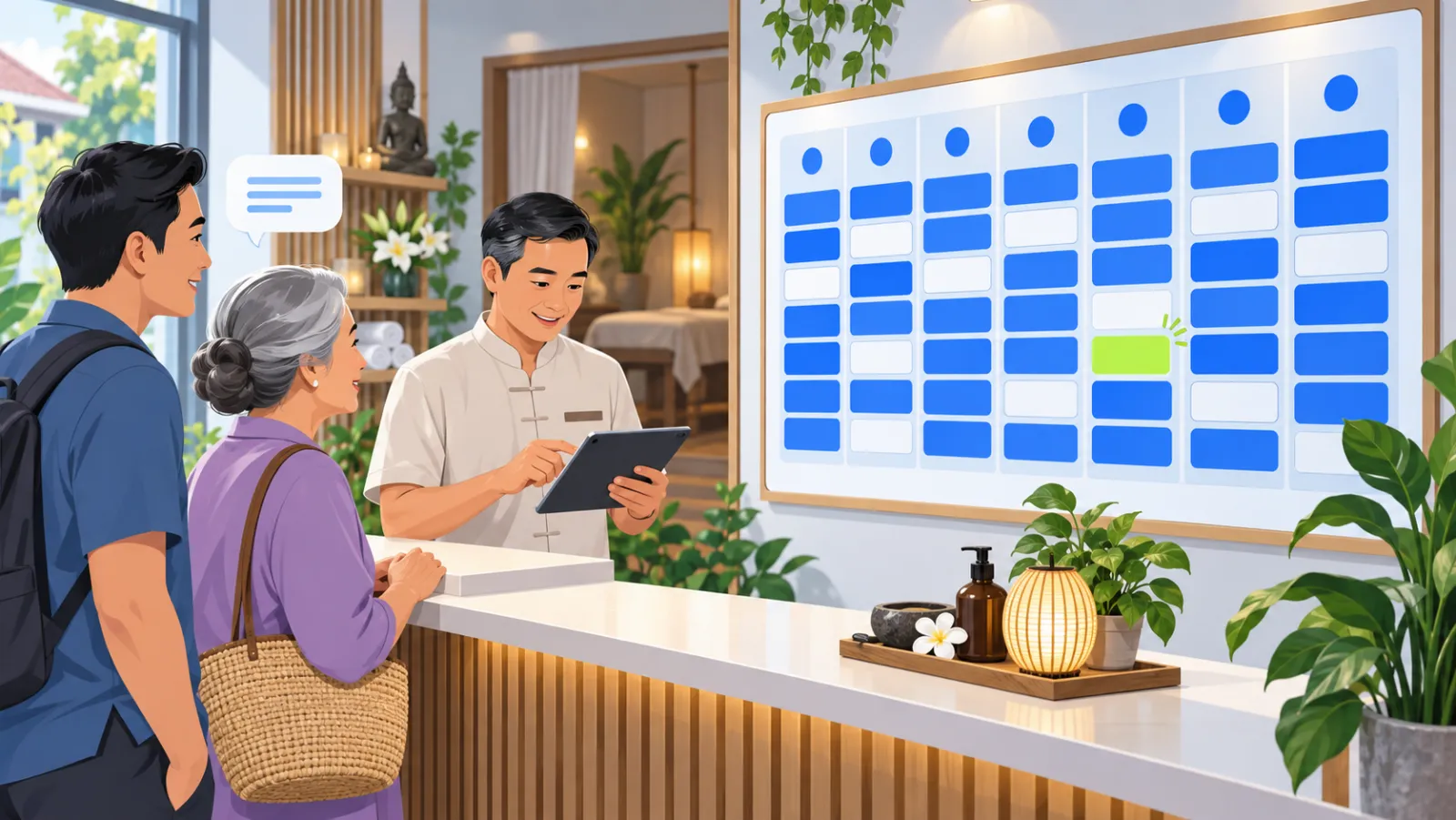
Booking with AI Chatbot takes four steps:
- The customer asks: "any space for a head spa at 7 pm on Saturday?".
- The chatbot checks free slots against the spa's booking settings and suggests a suitable time.
- The chatbot records a booking request with the service, time and the customer's contact details.
- The spa gets an alert and confirms or declines on the Bookings page.
Because the spa confirms last, you always stay in control of your therapists' and rooms' real schedule.
Setting up bookings for a spa
On the Bookings page you configure:
| Setting | Meaning | Spa example |
|---|---|---|
| Time zone | Times follow the spa's location | Vietnam time |
| Slot length | How long each booking takes | 60 minutes |
| Capacity | Bookings or guests at the same time | 3 beds at once |
| Book-ahead limit | How far ahead customers can book | 30 days |
The Bookings page shows an agenda by day so the front desk knows what is coming during the shift. If services have different lengths, state each service's duration in your knowledge so the chatbot tells customers correctly.
Preparing service knowledge
The chatbot advises well when each service is clearly described:
- Service name and price, including bundle and package prices.
- Steps and how long the treatment takes.
- Who should and should not have it, for example during pregnancy or with irritated skin.
- Before and after care, for example no make-up before a facial.
- Cancellation and rescheduling policy.
For questions about a specific skin or health condition, let the chatbot hand off to a specialist rather than advise. The same rules for avoiding overclaims apply as in chatbot for cosmetics shops.
Answering on every channel customers use
Spa customers often find you on Facebook, message on Zalo, or check prices on your website. Connecting all of them to one assistant brings every booking request into one place. On the website chat you can also set business hours and an away message, so customers know the spa will confirm the next morning.
What to expect from a spa chatbot
- No missed after-hours customers, because booking requests are recorded immediately.
- Fewer repeat questions for the front desk, which can focus on guests in the spa.
- Consistent information about prices and treatments on every channel.
Conclusion
A spa chatbot does two things best: it answers repeat questions instantly and never leaves a customer who wants to book waiting. The spa still confirms every booking, so there is no risk of double-booking. Start with how to create an AI chatbot in 30 minutes, or see pricing.
Frequently asked questions
Does the chatbot confirm appointments by itself?
No. The chatbot checks free slots and records a booking request. The spa gets an alert and confirms or declines it on the Bookings page.
Can I set appointment length and maximum guests?
Yes. In booking settings you choose the time zone, slot length, capacity per booking or per person, and how far ahead customers can book.
How does it answer questions about skin treatments?
It explains steps and prices from the spa's service documents. For a specific skin condition or contraindication, it should hand off to a specialist.
What about customers who message after hours?
The chatbot still answers and takes booking requests. You can set business hours and an away message on the website chat so customers know when the spa will confirm.