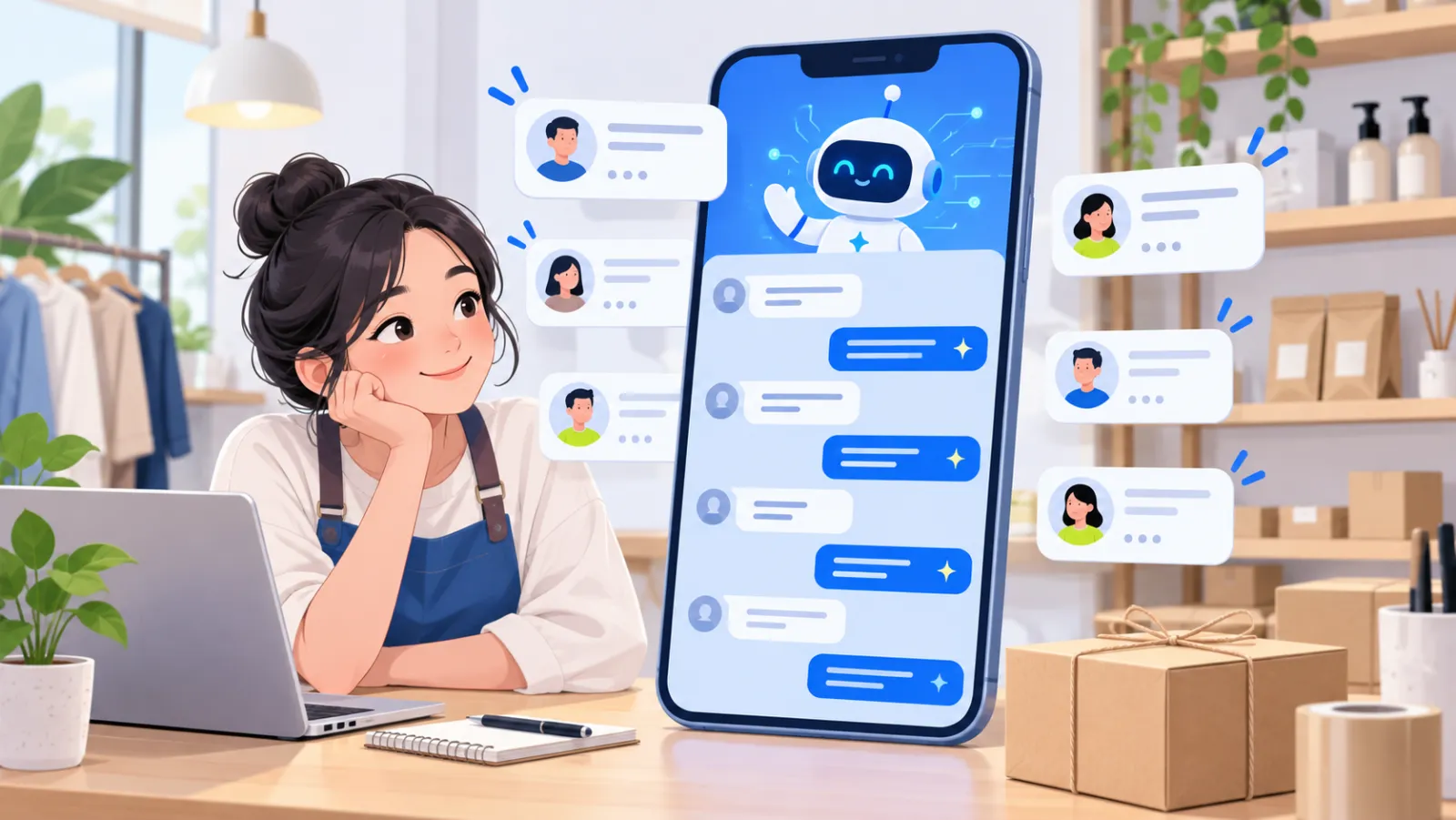
Chatbot for fashion shops: advise on size and colour, and guide buyers to order
By The AI Chatbot team5 min read
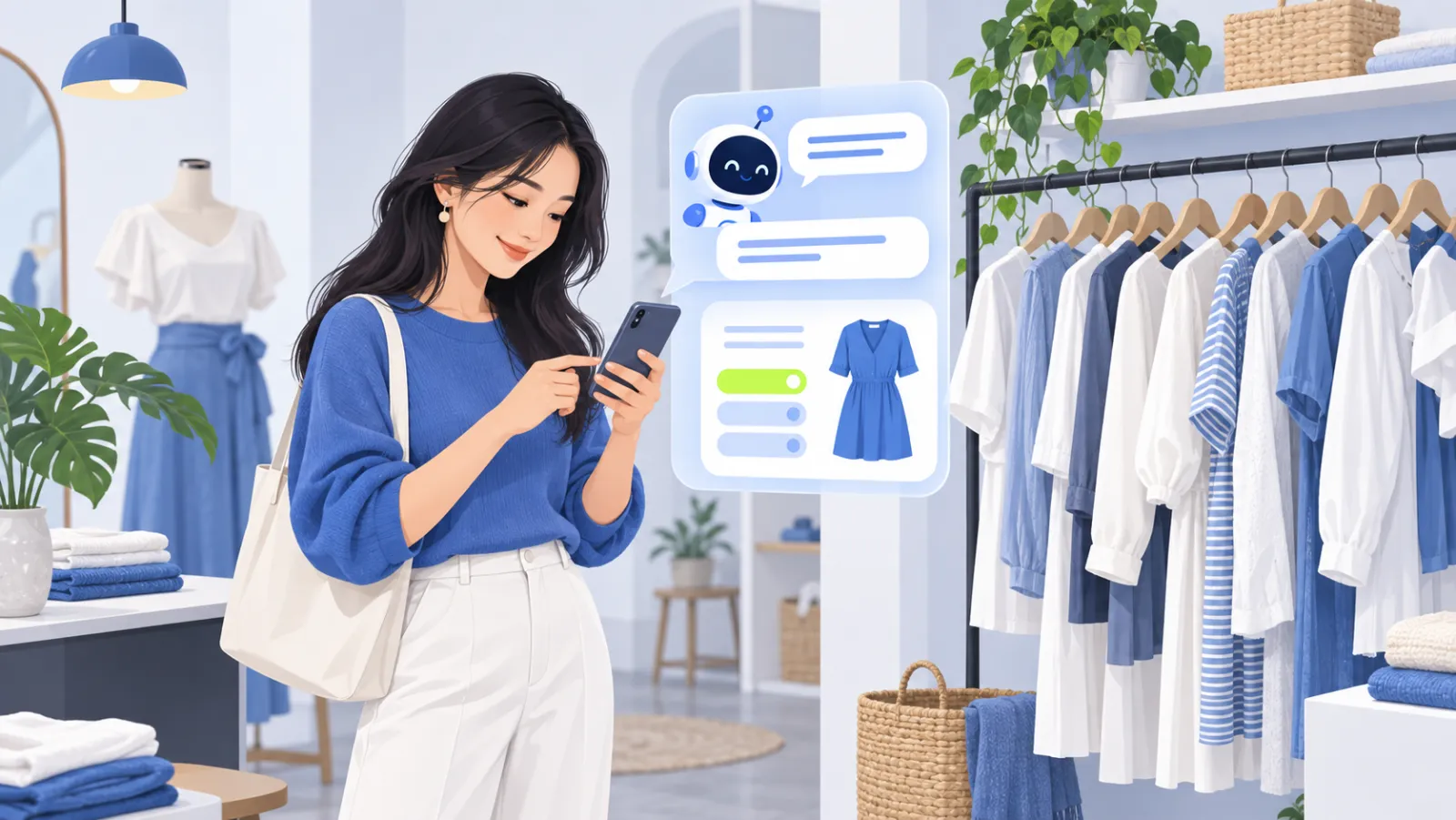
A chatbot for a fashion shop is an AI assistant that answers questions about size, colour, material, stock and delivery the moment a customer messages. It reads your size charts, product catalog and policies to advise correctly, then passes customers who are ready to buy to your team to close the order.
Fashion has more repeat questions than almost any other online category. This article covers the questions a chatbot handles well, how to prepare data for accurate size advice, and how the chatbot and your staff work together.
What do online fashion shoppers ask?
Open the inbox of any clothing shop and these groups of questions dominate:
- Size: "I'm 158 cm and 50 kg, which size?", "is this loose or fitted?".
- Colour and style: "is the beige still available?", "any darker colours?".
- Material: "does it wrinkle?", "is it too warm for summer?".
- Price and deals: "how much is it?", "any discount for two?".
- Delivery and returns: "how long to ship to my city?", "can I exchange if it doesn't fit?".
Every one of these already has an answer in your shop's data. That is why fashion benefits so clearly from an AI chatbot.
Size advice: teach the chatbot your own size chart
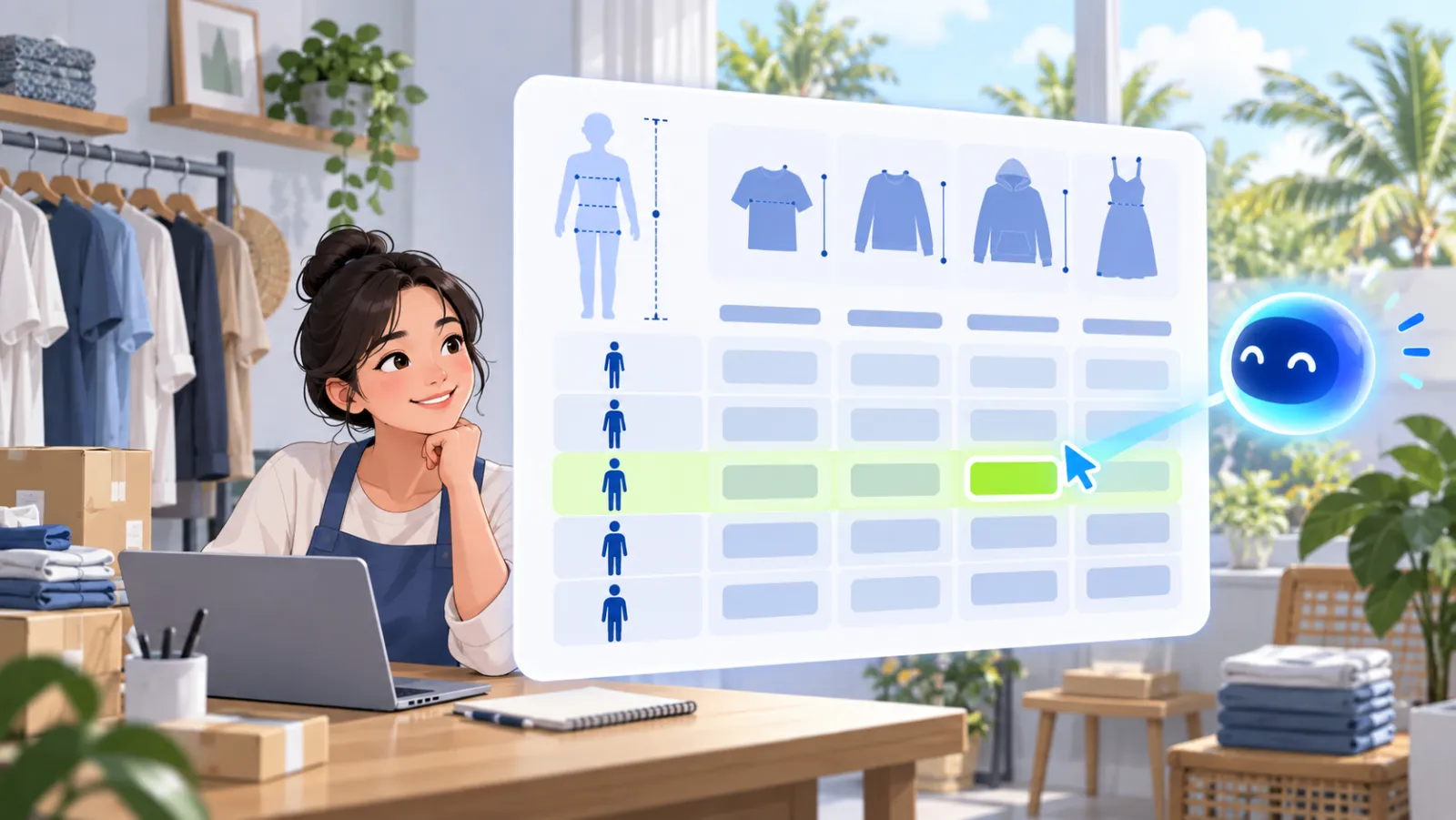
Wrong sizes are the most common reason for fashion returns. A chatbot only gives good size advice when it has a specific chart for each product line.
Prepare your size chart like this:
| Size | Height | Weight | Chest | Fit note |
|---|---|---|---|---|
| S | 150-158 cm | 42-48 kg | 80-84 cm | Fitted |
| M | 158-165 cm | 48-55 kg | 84-88 cm | Fitted |
| L | 165-172 cm | 55-63 kg | 88-94 cm | Relaxed |
Different lines have different fits, so give each its own chart or note it clearly, for example "oversized, size down once". You can add the chart as a CSV or PDF file, or type it in as a knowledge note.
When a customer asks "160 cm, 52 kg, which size?", the chatbot answers from that chart and adds the fit note if there is one. If the measurements fall between two sizes, it should say so rather than pick one at random, and you can write guidance for that case into your knowledge.
Colour, stock and price that stay correct
A wrong stock answer disappoints customers more than a slow reply. AI Chatbot keeps product information current in two ways:
- Product sync: if you sell on WooCommerce or TikTok Shop, products, variants, prices and stock sync automatically.
- Website reading: if your store runs on Shopify, Haravan or Sapo, the chatbot reads your product pages, re-checks the site on a schedule, and re-checks price and stock the moment a customer asks.
So when a customer asks "is the beige linen shirt in size L still available?", the answer reflects today's data, not last week's post.
From advice to order
The chatbot does not create orders or take payment. Its job is to carry the customer through all the questions and to the right ordering step:
- Answer product questions until the customer has no doubts left.
- Suggest suitable items from your catalog when a customer describes a need, such as "light colours for the beach".
- Explain how to order the way your shop works: a product link, the Shopee cart, or leaving their details.
- Alert staff when the customer is ready to buy with the "ready to buy" alert, so a person confirms the order and address.
This split keeps a person checking every order while the chatbot takes on the most time-consuming Q&A.
One assistant for every fashion sales channel
Fashion shops often sell on a Facebook page, Shopee, TikTok Shop and a website at the same time. Instead of answering in four different apps, connect them all to AI Chatbot:
| Channel | What the chatbot does |
|---|---|
| Messenger page | Answers inbox messages from people who saw your posts and ads |
| Zalo OA | Answers regular customers who message on Zalo (Vietnam) |
| Shopee | Answers buyer chats on the marketplace |
| TikTok Shop | Answers shoppers coming from videos and livestreams |
| Website | Advises visitors while they browse products |
All messages land in one inbox and share one knowledge base, so size and return answers match on every channel. See how it works on a page inbox in Messenger chatbot for your Facebook page.
Preparing data for a fashion shop chatbot
Before switching the chatbot on, prepare these five things:
- A size chart for each product line, with fit notes.
- Material descriptions and washing and care instructions.
- A return policy that states the number of days, conditions, and who pays return shipping.
- Shipping fees and delivery times by area.
- Current promotions, with start and end dates.
Then use the private preview to ask the questions customers ask most, and fix your knowledge wherever an answer is not right.
Conclusion
A fashion shop chatbot does not replace the staff who close orders; it takes on the most repetitive work: size, colour, stock, delivery and returns. With well-prepared data, customers get the right answer instantly and your team can focus on shoppers who are ready to buy. Try the demo or see pricing to get started.
Frequently asked questions
Can the chatbot recommend a size from height and weight?
Yes, if you add your shop's size chart to its knowledge. It reads that chart and suggests a size from the measurements the customer gives, rather than guessing from generic standards.
Does the chatbot know which items are in stock?
Yes. If you sync products from WooCommerce or TikTok Shop, it checks stock against the latest data. For Shopify, Haravan or Sapo websites, it reads your product pages and re-checks price and stock when a customer asks.
Does the chatbot create orders by itself?
No. It advises, quotes prices, checks stock and guides customers to the ordering step. When a customer is ready to buy, your team gets an alert to confirm the order and delivery details.
What if a customer sends a photo of an item?
Reading photos depends on the AI model in use, so it is not always available. The reliable path is to ask for the product name or code, or let staff handle photo questions.
I sell on my Facebook page and on Shopee. Do I need two chatbots?
No. One assistant uses one knowledge base and answers on your website, Messenger, Zalo OA, Shopee and TikTok Shop, with all messages in one inbox.