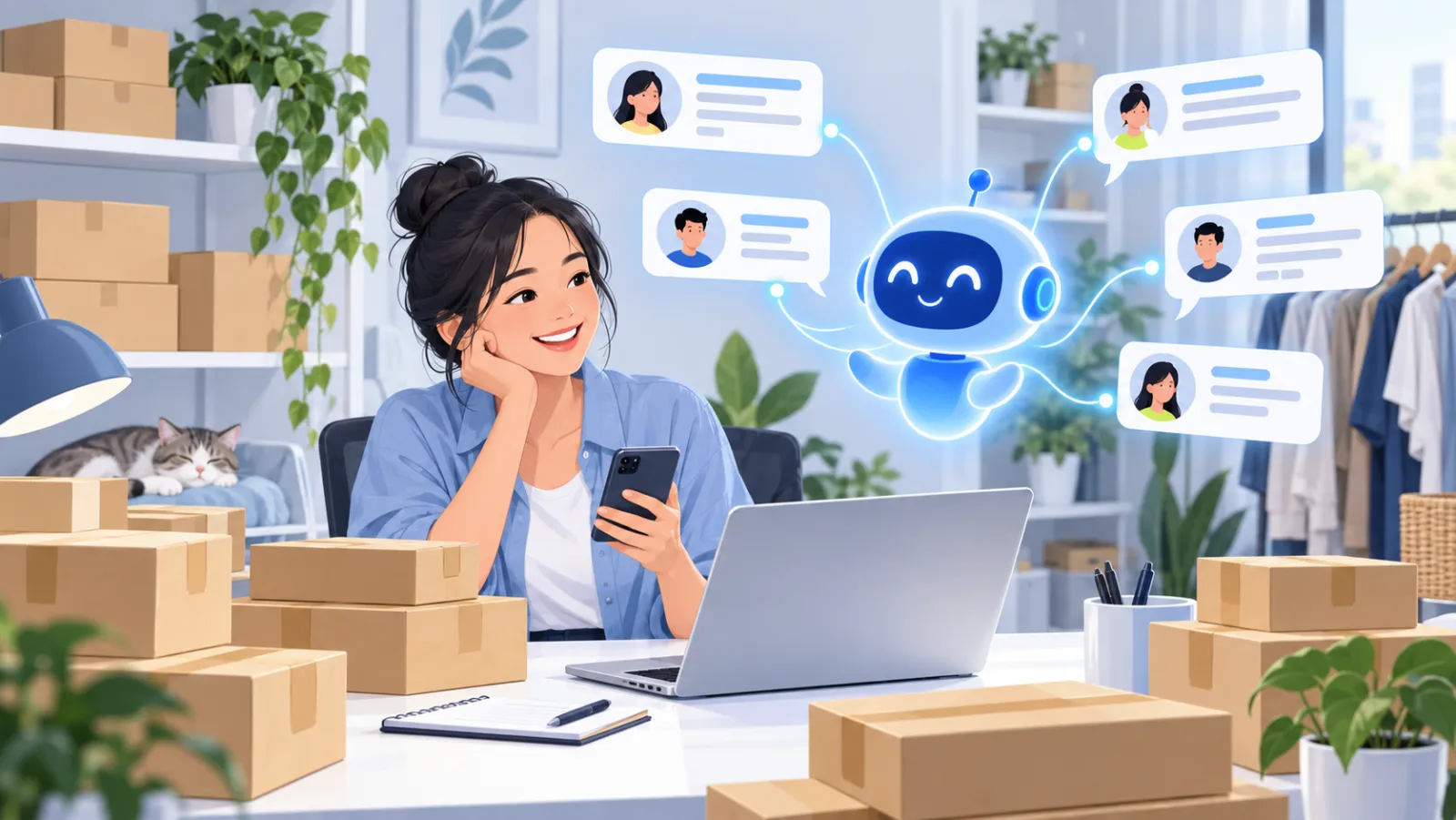
Messenger chatbot for your Facebook page: auto-reply to inbox with AI
By The AI Chatbot team5 min read
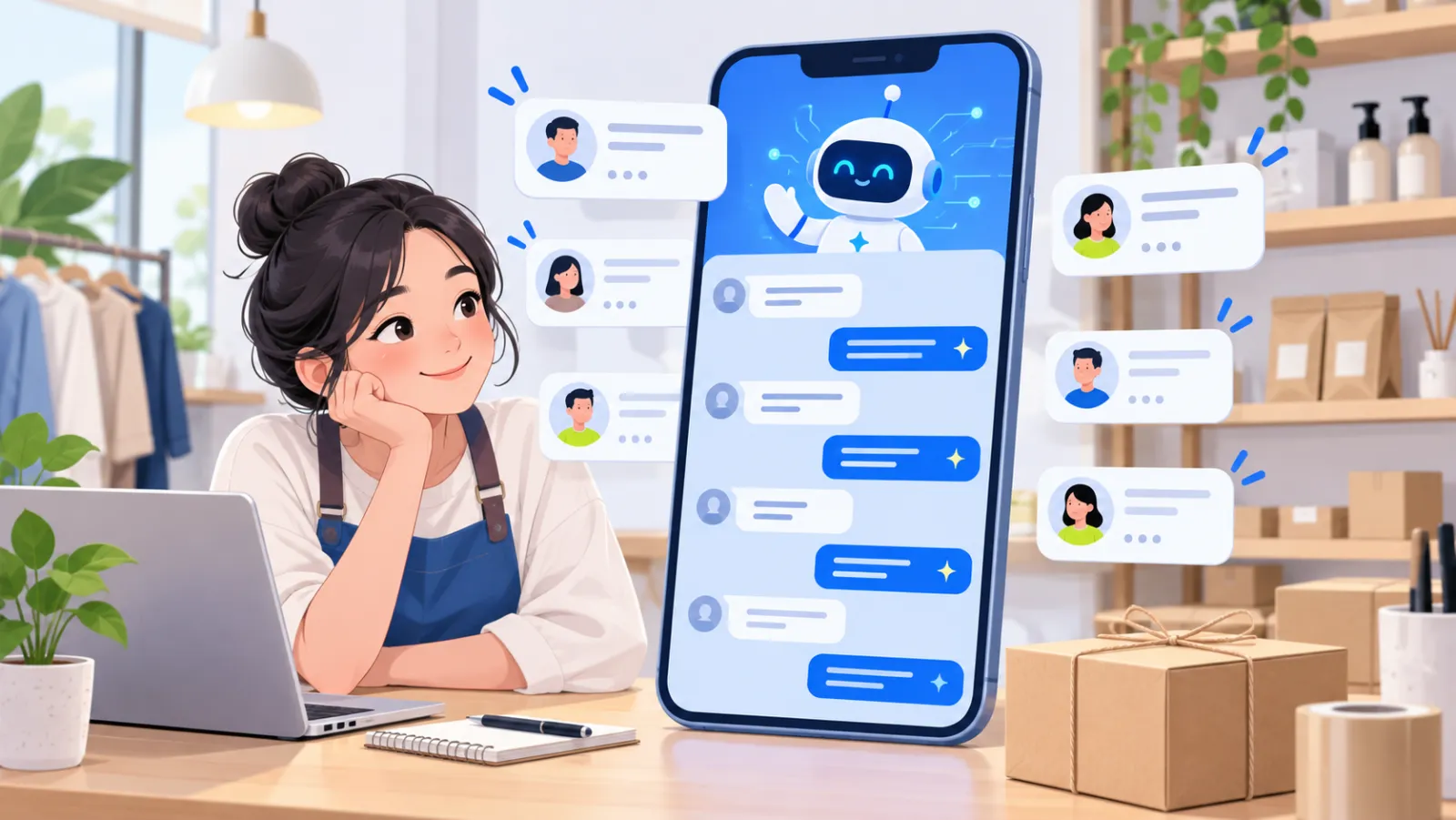
A Messenger chatbot is an automated assistant that answers messages sent to your Facebook page inbox. An AI Messenger chatbot does not walk customers through preset buttons: it reads the question, finds the answer in your store's data, such as products, prices, stock, shipping fees and return policy, and replies within seconds.
For many online stores, the page inbox is where most orders start. This article explains how an AI Messenger chatbot works, how it differs from a rule-based bot, and how to connect one to your page.
Why does a page inbox need a chatbot?
Customers who message a page tend to ask the same questions: "how much is this", "do you have size M", "how long is delivery", "can I return it". When the owner or one staff member answers each message by hand, three familiar problems appear:
- Customers wait. Messages arrive while you are packing orders, livestreaming or asleep.
- Messages get lost. At peak hours the first messages are pushed down and missed.
- Answers are inconsistent. Each person on shift explains shipping or exchanges differently.
A Messenger chatbot fixes exactly these three things: it answers instantly, answers every message, and answers consistently from one source of truth.
How does an AI Messenger chatbot work?

When a customer messages your page, Facebook passes the message to the chatbot. The chatbot reads the question, searches your store's knowledge, and sends the answer back into the same Messenger conversation. The customer still sees they are chatting with your page as usual.
The difference is where the answer comes from. AI Chatbot only answers from what you have provided: your website, PDF or DOCX files, your product catalog, and policy notes you write yourself. When it cannot find reliable information, it says so and hands the conversation to your team instead of guessing. We explain this approach in more detail in what is an AI chatbot.
AI Messenger chatbot vs rule-based Messenger bot
| Criteria | Rule-based Messenger bot | AI Messenger chatbot |
|---|---|---|
| How customers interact | Tap buttons and menus | Type naturally, as with a person |
| Off-menu questions | Not understood, menu repeats | Searches your store data to answer |
| Typos and shorthand | Usually ignored | Understood |
| When products or prices change | Edit every flow | Update knowledge or sync products |
| When it does not know | No clear way out | Hands off to staff with the full conversation |
Rule-based bots still suit fixed flows such as signing up for offers. For product questions and advice, an AI chatbot is far more flexible.
What can a Messenger chatbot answer?
It works best on questions whose answers are clearly in your store data:
- Products: material, size, colour, how to use, comparing two items.
- Price and stock: current price, in stock or not, which sizes are left. If you sync products from WooCommerce or TikTok Shop, price and stock always follow the latest data.
- Delivery: shipping fees, delivery time by area, carriers.
- Policies: returns, warranty, payment methods.
- Store details: address, opening hours, how to reach you.
For work that needs a person, such as special orders, price negotiation or complaints, the chatbot hands off to your team. You can also turn on the "ready to buy" alert so staff step in exactly when a customer wants to order.
How to connect an AI chatbot to your Messenger page
No code is needed and it usually takes a few minutes:
- Create an AI Chatbot account and add your first knowledge: your website address, a policy file or your product catalog.
- Test answers in the private preview. Ask the questions customers usually ask and adjust knowledge where an answer is off.
- Open channel connections and choose Messenger, then log in to Facebook with an account that manages the page.
- Grant messaging permission and pick the page your customers message.
- Publish the assistant so the chatbot starts answering new messages to the page.
If Facebook access expires later, the dashboard shows "reconnect required" so you can grant access again in one click.
Working alongside your team in one inbox
Messenger chats are not kept in a separate place. In AI Chatbot they share one inbox with messages from your website, Shopee and TikTok Shop.
- Take a conversation: a staff member takes it and the chatbot pauses in that chat.
- Hand back to AI: manually, or automatically after 15, 30, 60 or 240 minutes without a reply.
- Internal notes, tags and saved replies: help the team coordinate without the customer seeing.
- Email alerts: when a customer has waited too long or looks ready to buy.
Tips for running a chatbot on your page
- Keep knowledge short and clear. One clear return policy beats a long file mixed with old information.
- Update it for promotions. If a sale price only lives in a post, the chatbot will not know it. Add promotions to your knowledge.
- Pick the right tone. Choose friendly, professional or concise, and give the assistant a name.
- Review unanswered questions. Insights group the questions the chatbot handed off or was unsure about, so you can fill the gaps.
Get started with a Messenger chatbot
A good Messenger chatbot lets your page answer every message instantly, even at 11 pm, while you stay in control. See pricing to pick a plan, or chat with the live demo to see how it answers before you connect your page.
Frequently asked questions
Does the Messenger chatbot reply to comments under posts?
No. AI Chatbot answers messages sent to your page inbox. Comments under posts and livestreams are still handled by you or another tool.
Do staff need to share their personal Facebook accounts?
No. You log in to Facebook with an account that manages the page, grant messaging permission, and pick the page to connect. The chatbot replies as the page.
Does it understand typos and shorthand?
Yes. It understands casual writing and shorthand, including Vietnamese typed without accents, and replies in clean, correct language.
Can staff step in and reply instead of the bot?
Yes. Messenger chats land in AI Chatbot's shared inbox. A staff member takes the conversation, replies, then hands it back to the AI manually or automatically after 15, 30, 60 or 240 minutes.
Is the Messenger chatbot charged per message?
Each plan includes a monthly message allowance; the free plan includes 500 messages. See the pricing page for details.